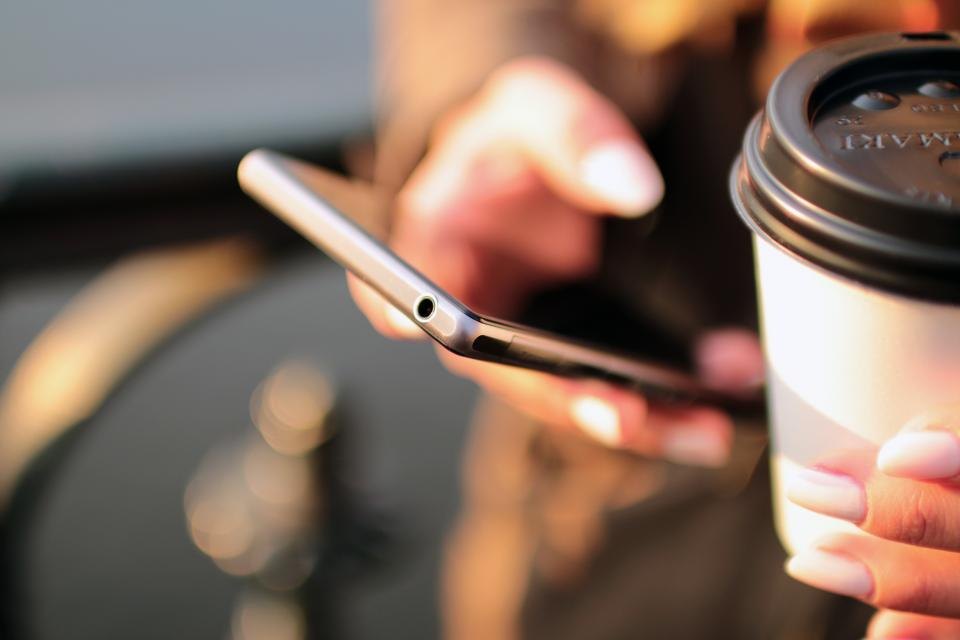
Phone batteries attract more myths than almost any other piece of technology. Close all your apps. Never charge overnight. Let it drain to zero once a month. Turn off Bluetooth or it will eat your battery alive. Some of these were true a long time ago. Most of them are not true now.
Lithium-ion batteries wear out slowly no matter what you do, but your habits do affect how quickly. Here is what is worth caring about, and what you can safely stop worrying about.
What Actually Wears a Battery Down
Two things age a phone battery more than anything else: heat, and spending a lot of time at the extremes of its charge. A battery sitting at 100 percent in a hot car is under far more stress than one sitting at 60 percent on a cool desk. Every full charge cycle also uses up a little of its life, which is why a two-year-old phone rarely lasts as long as it did out of the box.
Understanding that makes most of the advice below fall into place.
Habits Worth Keeping
Keep it cool
Heat is the big one. Do not leave your phone on a car dashboard in summer, under a pillow while it charges, or in direct sun at the beach. If it feels hot while charging, take off a thick case. Playing demanding games while plugged in is another common way to cook a battery slowly.
Use the built-in charging protection
Most recent phones have a feature that learns your routine and holds the battery around 80 percent overnight, finishing the charge just before you usually wake up. Some let you cap charging at 80 or 85 percent entirely. Turn it on. It is the easiest long-term win available, and you will barely notice the difference day to day.
Top up instead of running it flat
Modern batteries prefer shallow cycles. Charging from 30 to 80 percent a couple of times a day is kinder than draining to zero and filling to 100. The old advice about fully discharging comes from nickel-based batteries and does not apply to the phone in your pocket.
Myths You Can Let Go Of
- Swiping away apps saves battery. Usually it does the opposite. Your phone has to reload them from scratch next time, which uses more power than keeping them suspended.
- Charging overnight ruins the battery. With optimised charging on, it is fine. Phones stop drawing full power once they are charged.
- Only use the original charger. Any reputable certified charger is fine. Avoid the very cheap unbranded ones, which can be poorly regulated and genuinely risky.
- Bluetooth and Wi-Fi drain the battery. Their impact today is tiny. Wi-Fi often uses less power than mobile data, so leaving it on can even help.
Where Your Battery Really Goes Each Day
If your phone struggles to last until evening, check the battery section in settings. It shows which apps used the most power, and the answer is often surprising.
The screen
The display is usually the biggest single drain. Auto-brightness helps, and a shorter screen timeout adds up over a day. Dark mode saves real power on OLED screens, which most mid-range and flagship phones now use.
Weak signal
When reception is poor, your phone boosts its radio to stay connected. A day spent in a basement office or on a train through rural areas will drain the battery much faster. In places with no signal at all, airplane mode is worth using.
Background activity
Apps that constantly check your location, refresh feeds or send notifications can chip away at your battery all day. Review location permissions and switch apps to “while using” where you can. Turn off notifications for apps that do not need your attention.
Know When It Is Time for a New Battery
Both iPhones and many Android phones show a battery health figure in settings. Once it drops to around 80 percent of its original capacity, you will usually notice the phone dying earlier or shutting down suddenly in the cold. That is normal wear, not a fault.
At that point a battery replacement is often a great deal. It costs much less than a new phone and can make a two or three-year-old handset feel almost new again. Use an authorised repair shop or the manufacturer’s service, so the replacement is genuine and the phone keeps its water resistance.
A Simple Routine
If you want the short version: turn on optimised charging, keep the phone out of heat, top it up when convenient and stop closing apps. Check the battery screen once in a while to catch any app misbehaving. That is genuinely all most people need to do to get the longest useful life from their phone.

Eddy is a professional content writer with over 10 years of experience creating engaging, informative, and reader-focused content across a wide range of topics. Throughout his career, he has developed a strong reputation for producing well-researched, original, and easy-to-understand articles that help readers find the information they need quickly and confidently.